
- Go to https://www.deepl.com/en .
- You will navigate to the following page—>
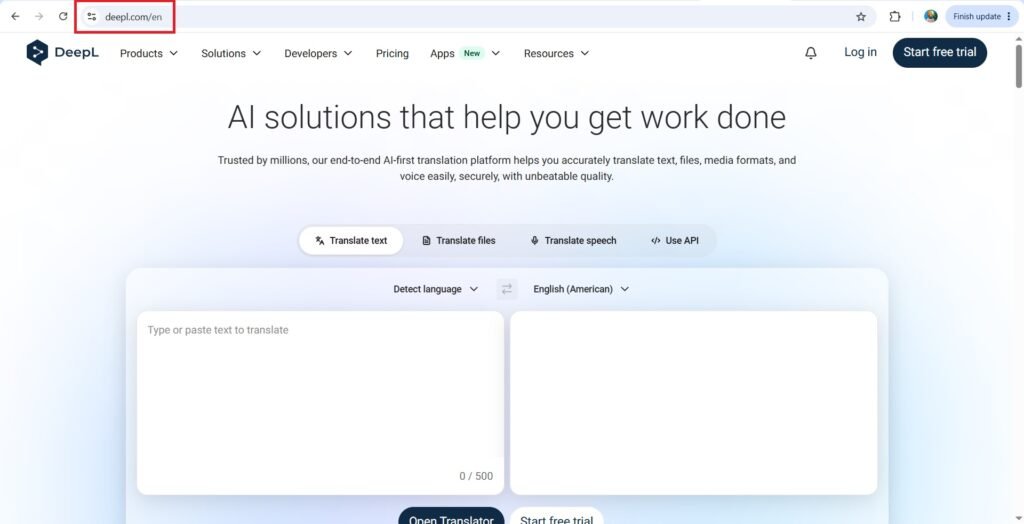
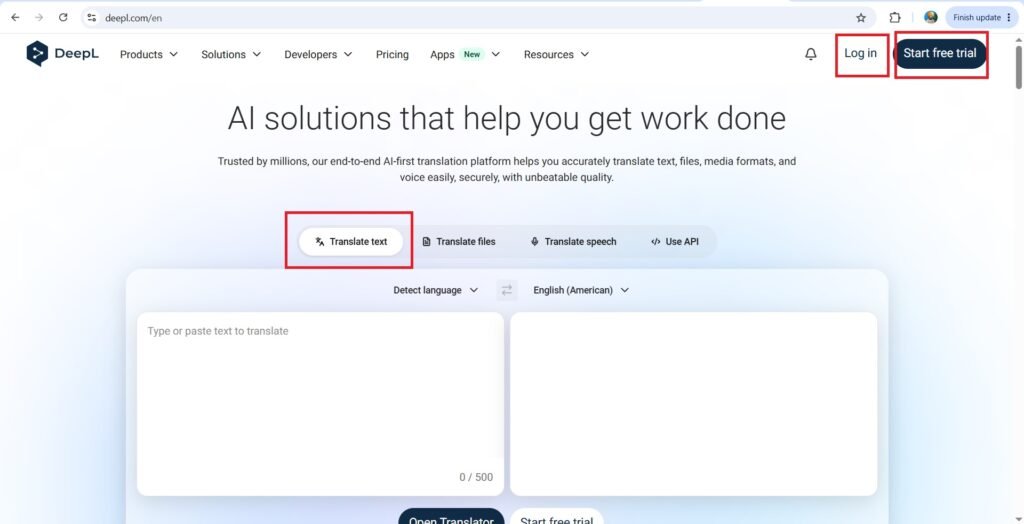
- Press—>Login
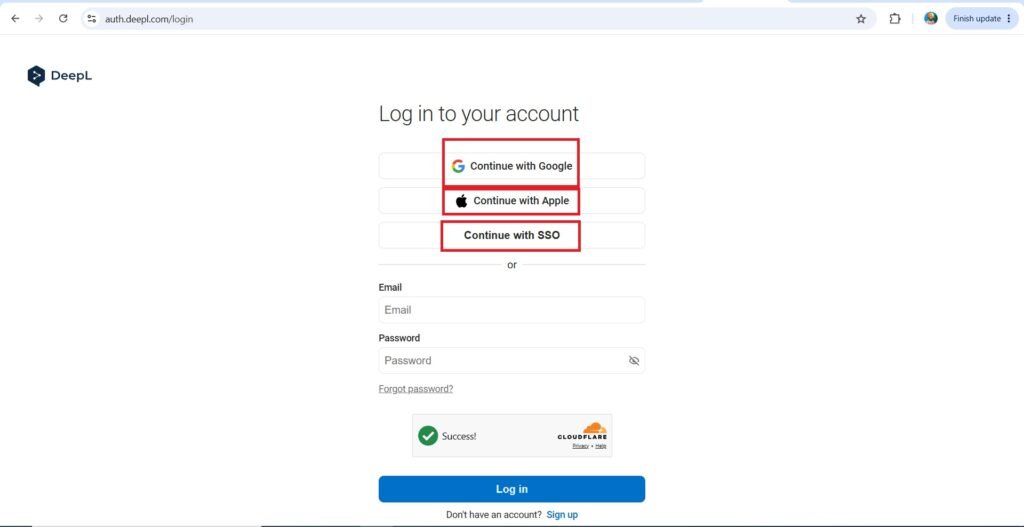
- You can Login with your email and password, or you can continue with your Google, apple or SSO account.
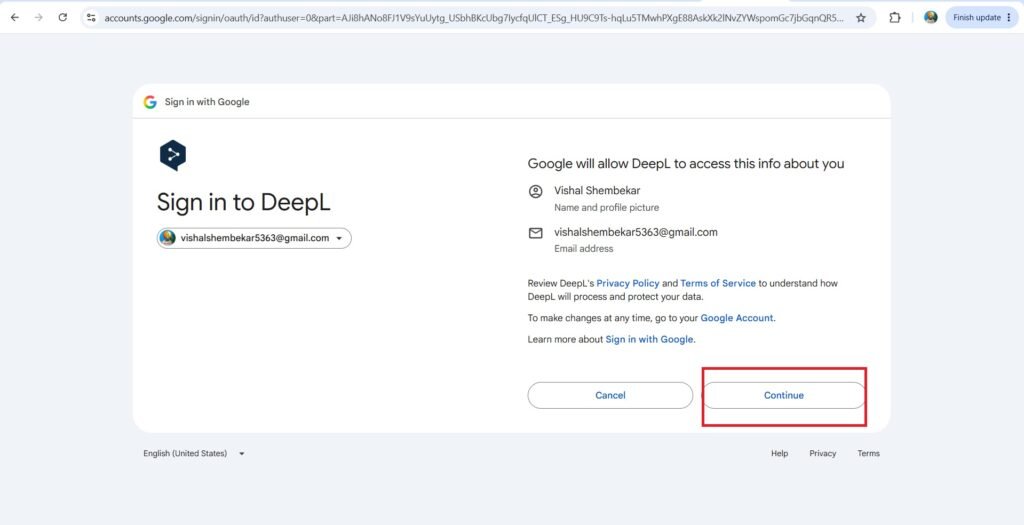
- Choose an account—>
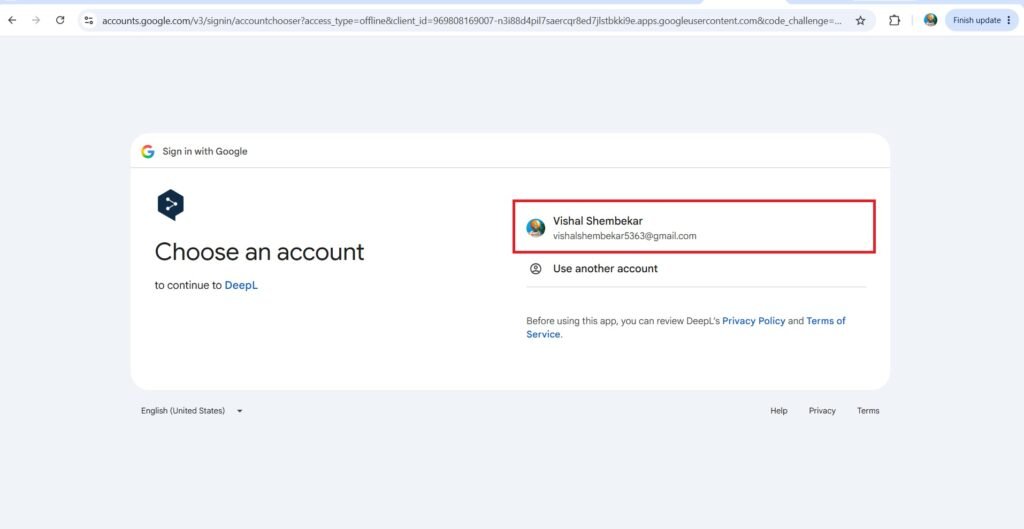
- Continue—>
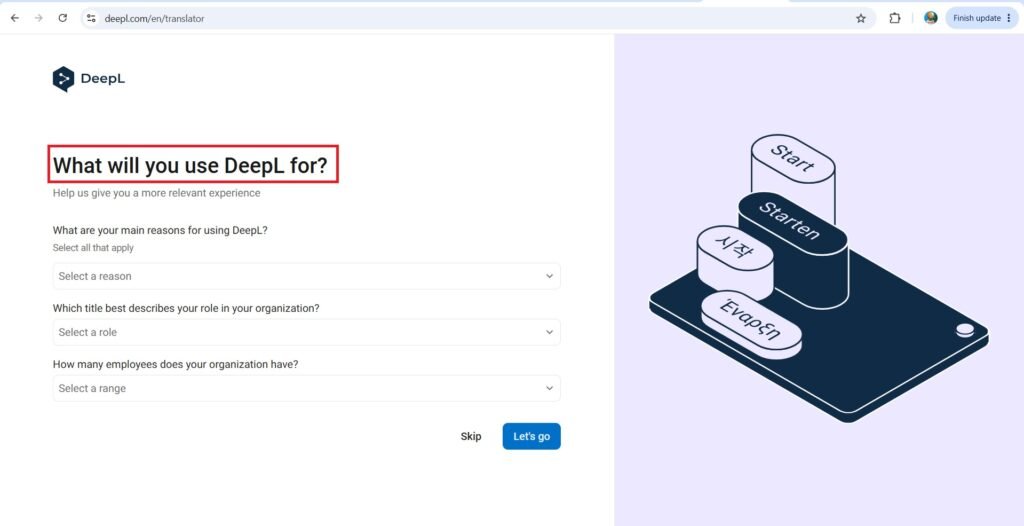
- Answer the following questions—>
- What will You use DeepL for?
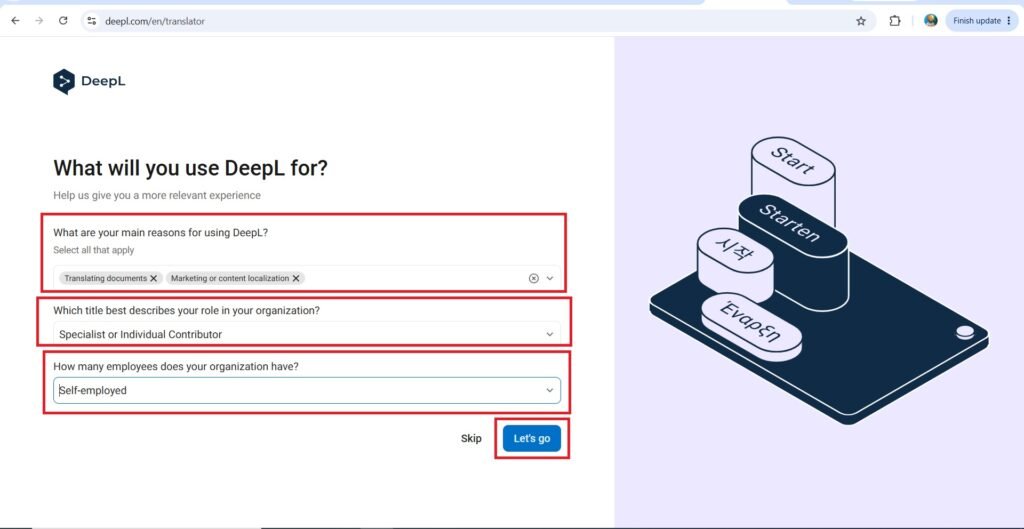
- After answering the questions, Press—>Let’s Go.
- Type of translation—>
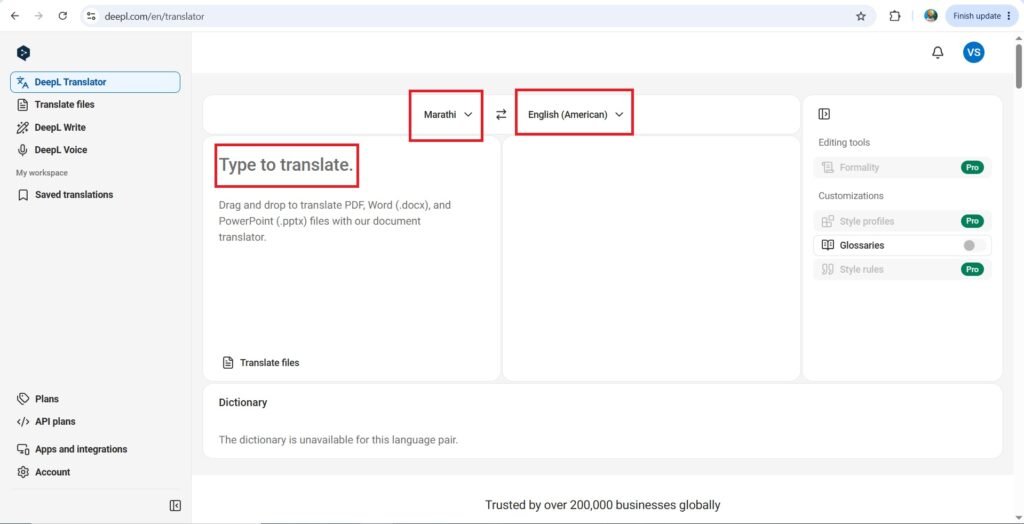
- I am translating the following text—>तुम्हाला आणि तुमच्या कुटुंबाला गुढीपाडव्याच्या हार्दिक शुभेच्छा!
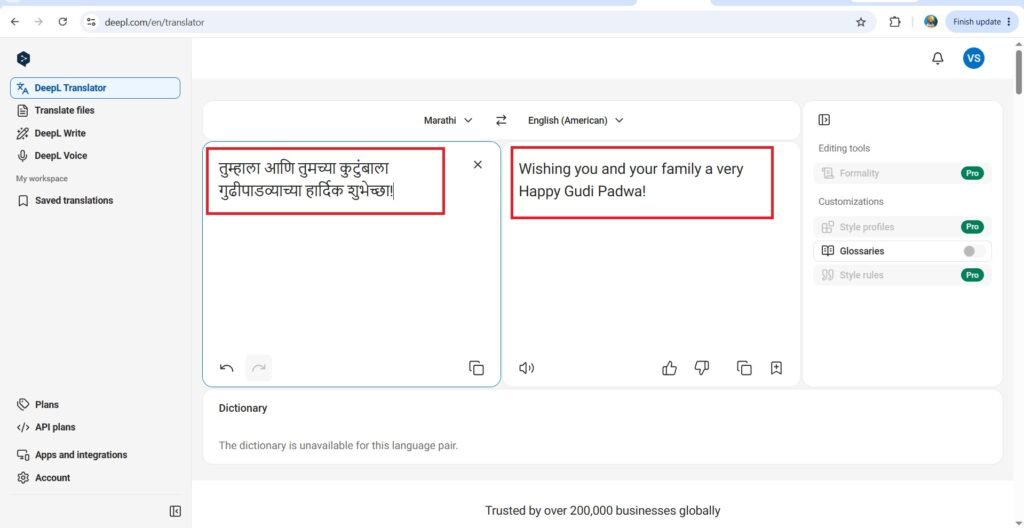
- The translated text is as follows—>
Wishing you and your family a very Happy Gudi Padwa!
- Now we will see how a PDF, word, PPT, PNG, or JPEG file is converted—>
- I am uploading the following PDF file—>
- The screen after uploading the pdf is as follows—>
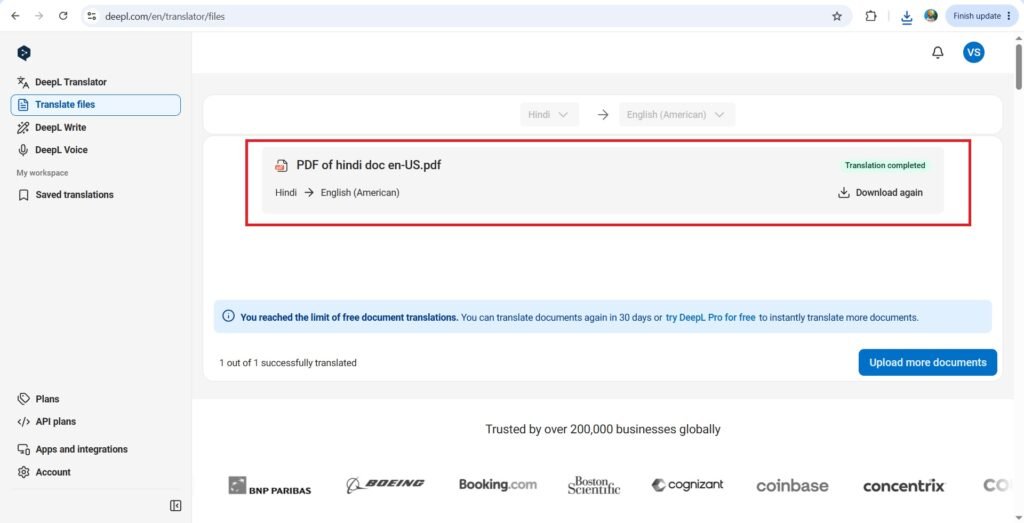
- The translated hindi PDF document to english PDF document is as follows—>