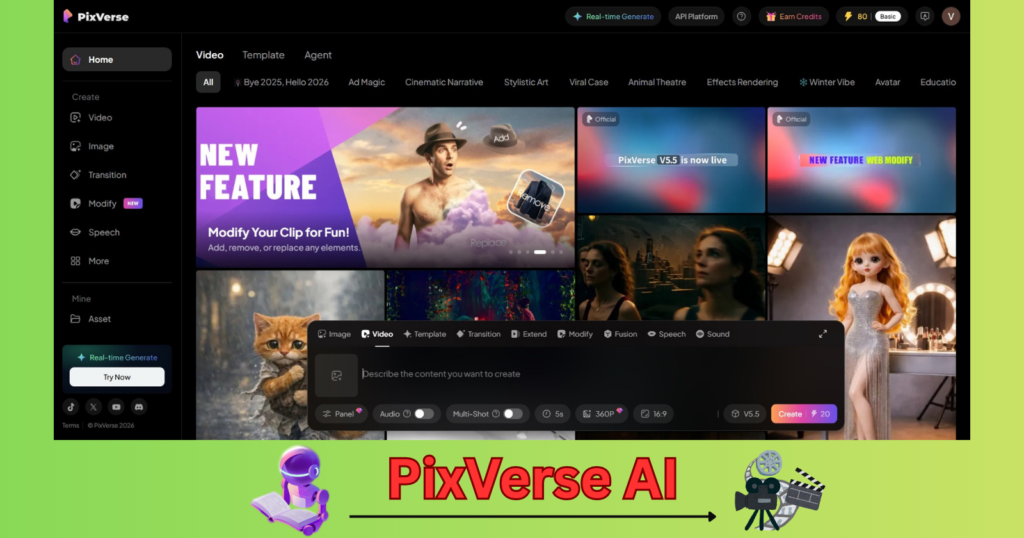
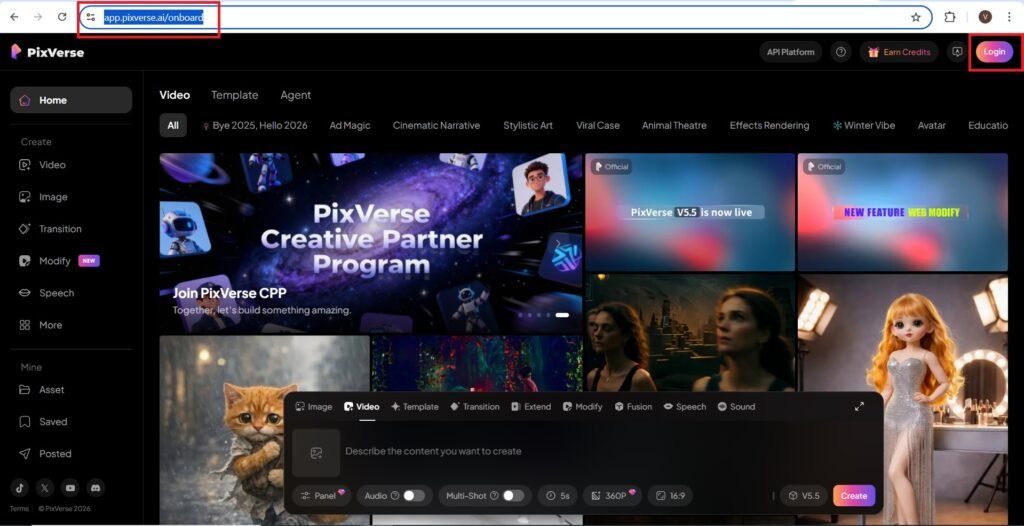
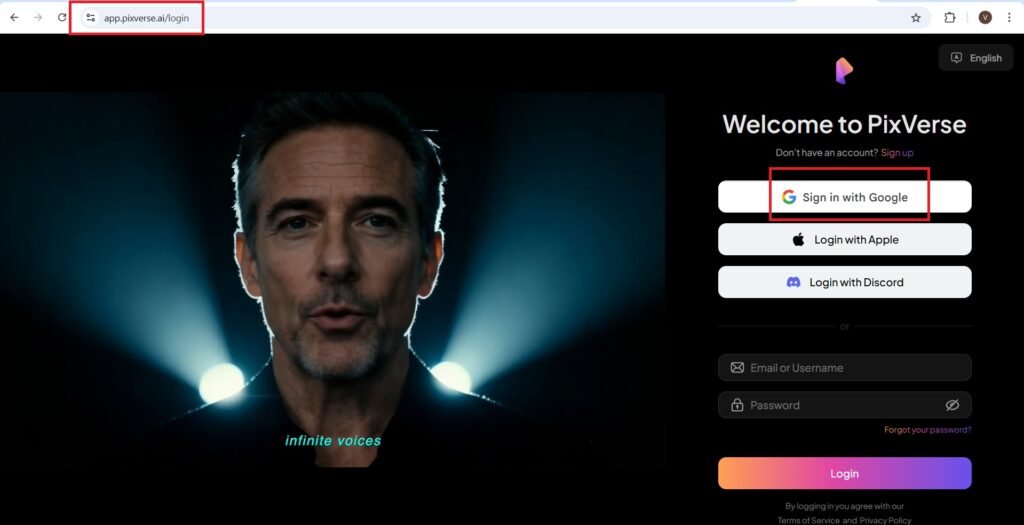
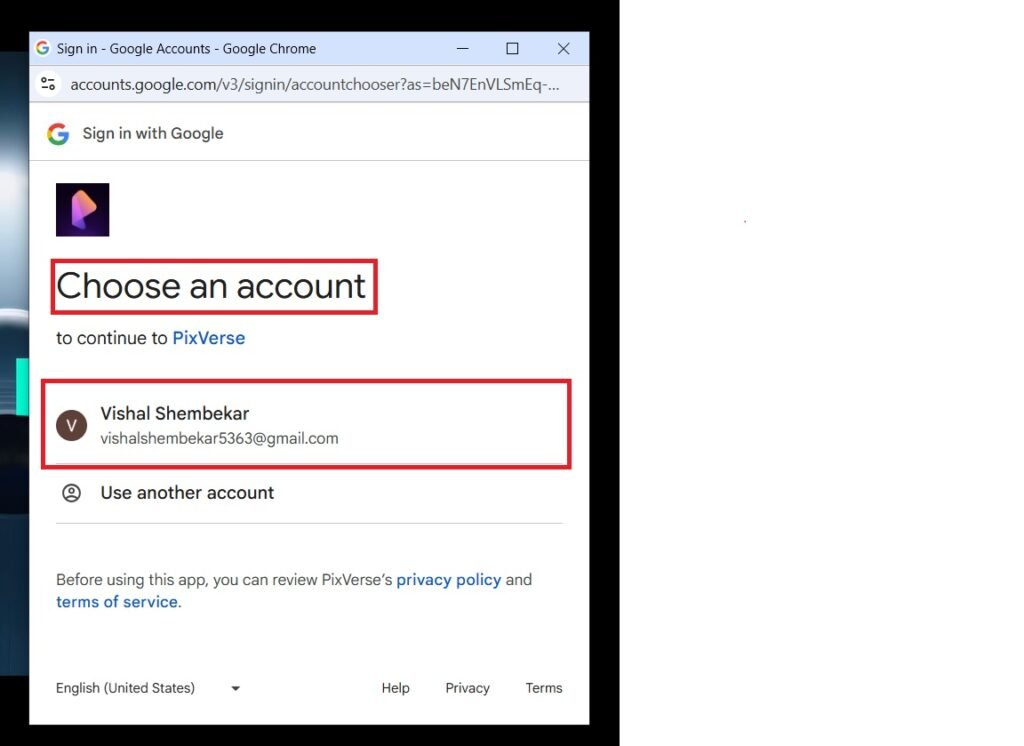
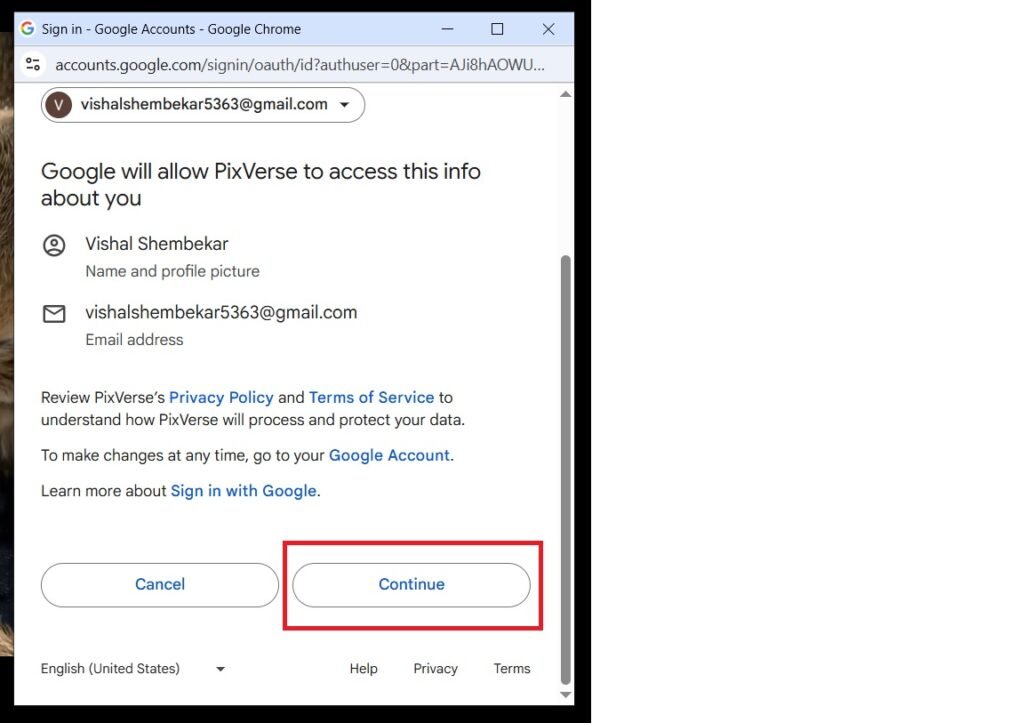
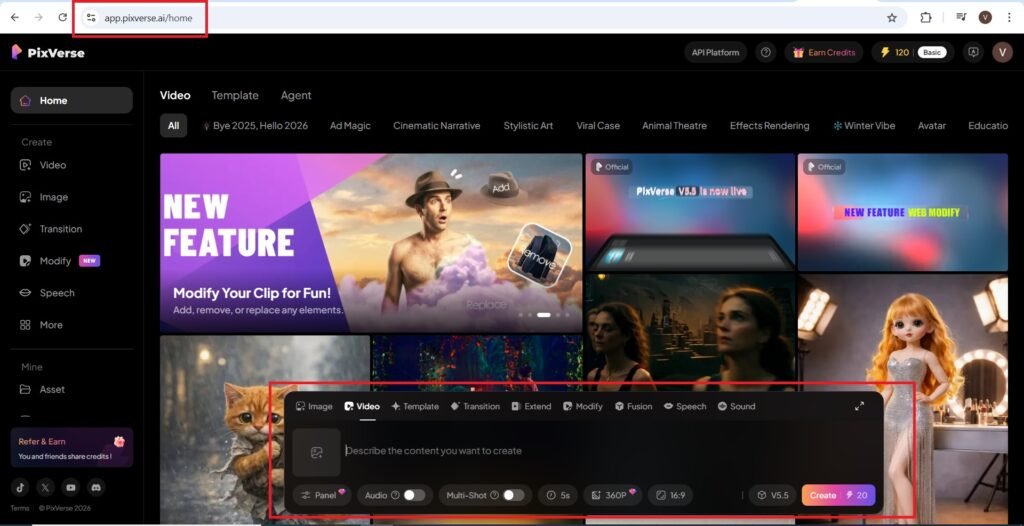
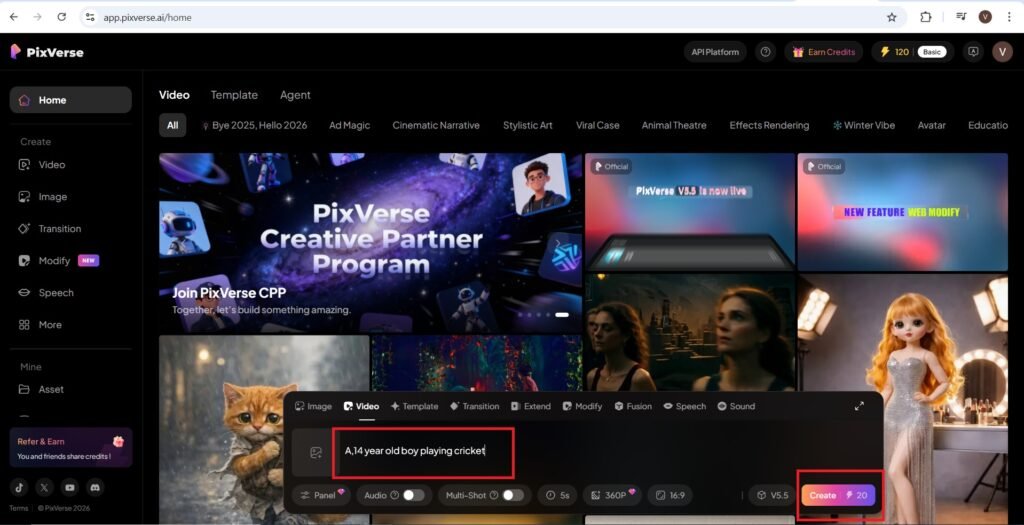
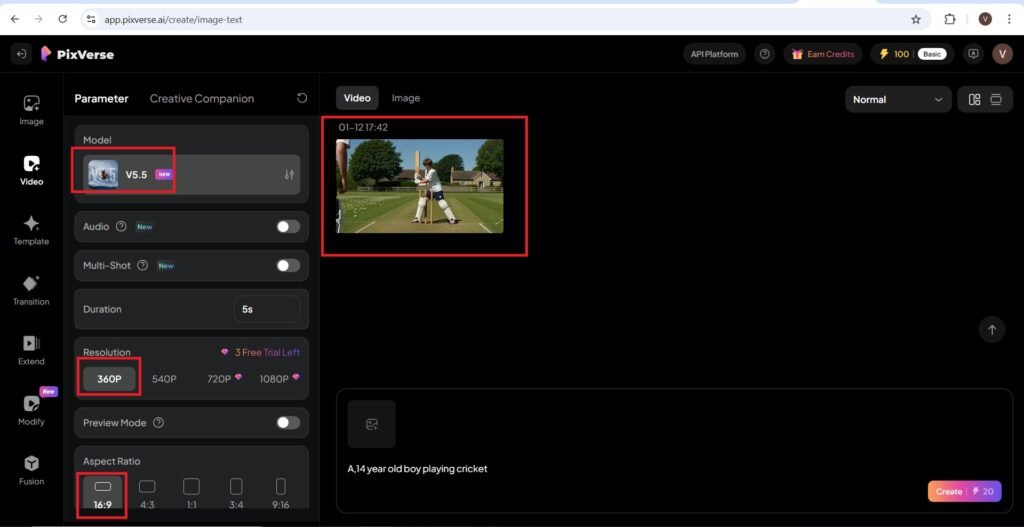
PixVerse AI is a free video creation AI tool offering features like text-to-video, image-to-video, with high quality output lightening speed rendering, many customization options, Advanced AI models and user-friendly interface.
You have to give input prompts to static images generating a output quality of HD 1080p, 30 FPS.
The Importance of PixVerse AI
There are a range of customization options available on the platform, including duration, resolution and animation style.
The Model version of PixVerse AI is v4.5(latest).The social media focus is on TikTok, Instagram, Facebook, Twitter/X.
The free plan offers No Watermark and fast rendering with a easy to use, beginner friendly interface.
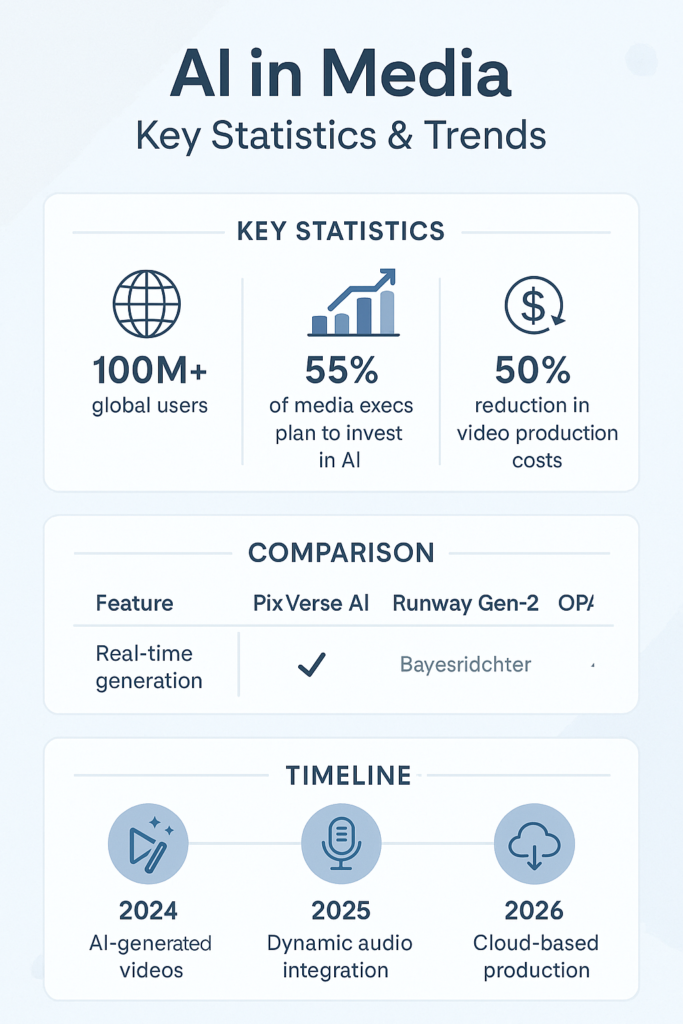
If you compare PixVerse AI to other AI video creators, the resolution is capped at 1081p with no 4K support yet.
The AI driven output may vary, results depend on prompt quality and input quality. PixVerse AI is best for short-form-content optimized for social media clips rather than large videos.
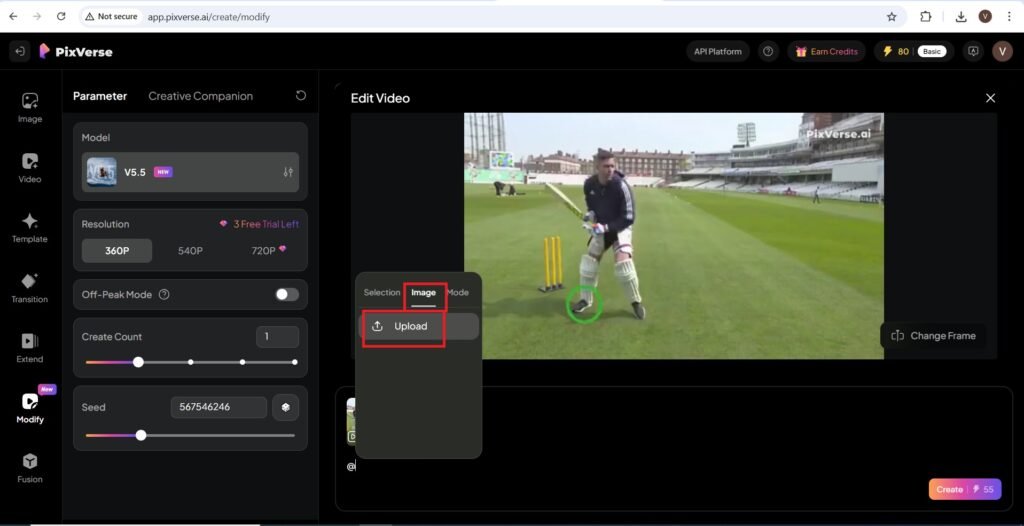
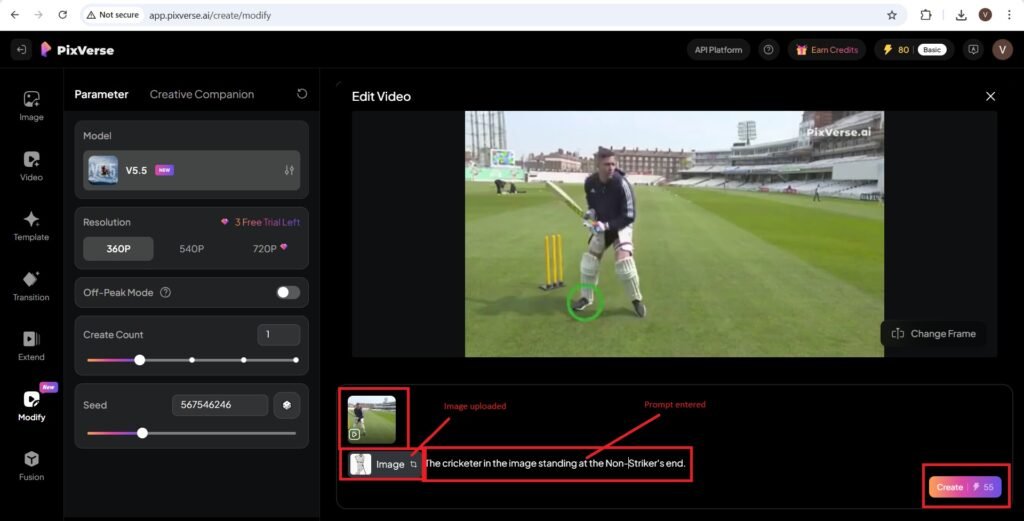
PixVerse AI contain unique features like, Transition, Templates, Extend, modify and Fusion.
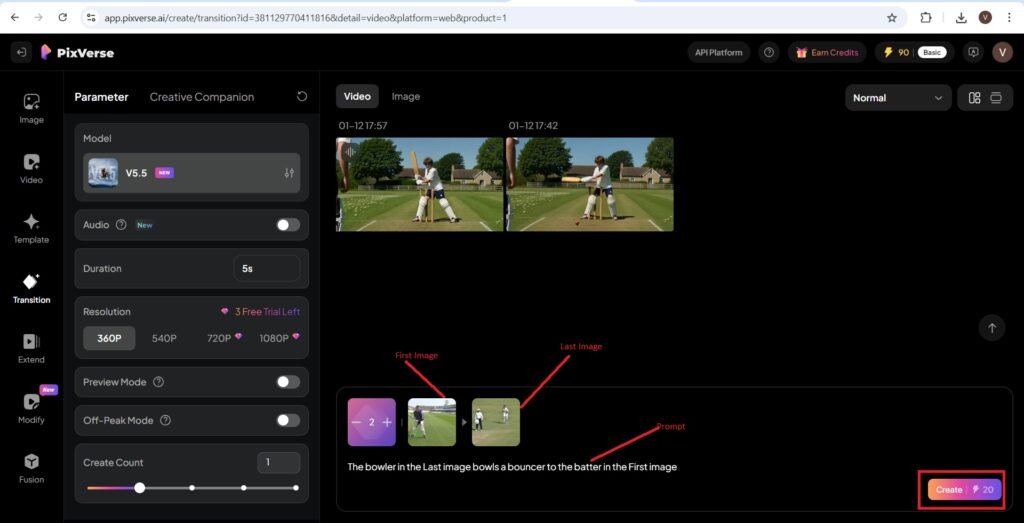
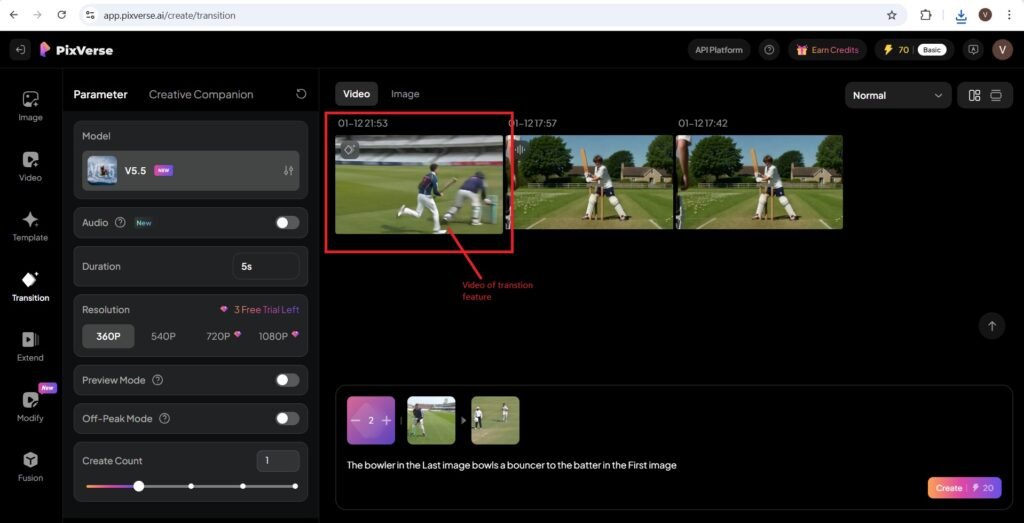
The Transition feature offers uploading the First Image and the Last Image and then giving a prompt to to create a video between the above images.
If you look at the quality of the Video it is quite good, but the content of the video depends on the quality of the prompt.
Such feature is quite unique if you compare the AI tool to other AI video creation tools.
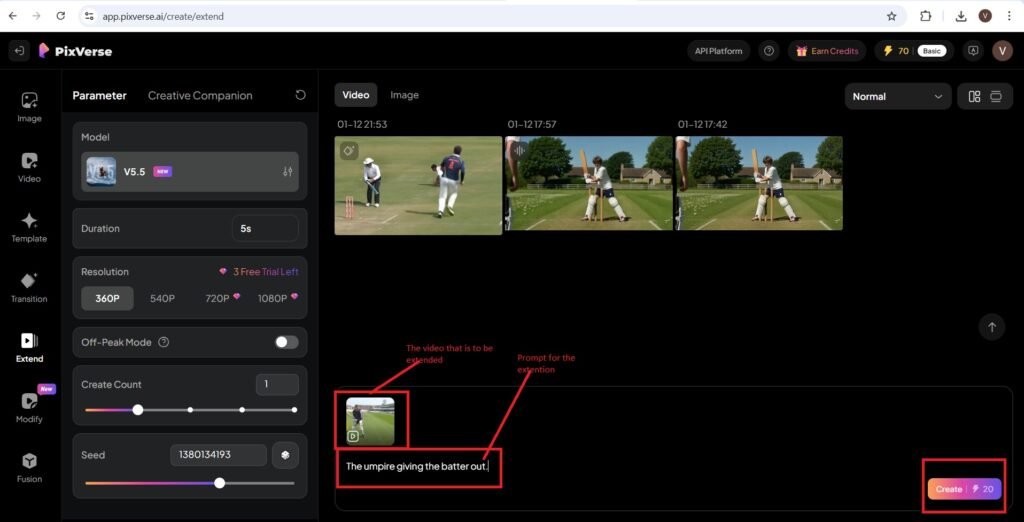
The next feature that we are going to talk about is the Extend feature.
All you have to do is to upload a video which is to be extended in length.
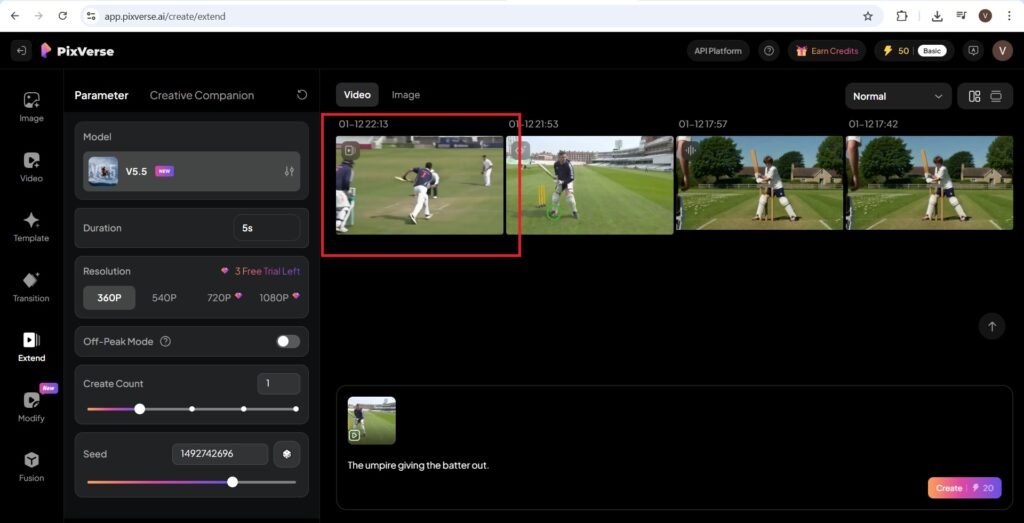
Then you have to give a prompt that changes, or extends the above uploaded video. I have shown the transition and the extend feature on this blog with their output videos, you can readily watch them. You can add sound, select a resolution, add a seed number to the video.
For every video there is a unique ‘Seed Number’, which can be increased or decreased. It is crucial because it ensures consistency and reproducibility in video generation. By setting a seed value, users can recreate the same animation or refine outputs without random variations, making it especially useful for professional projects and iterative design.
Different seeds mean, different variations. Keeping the same seeds ensures identical output. Lock a seed once satisfied with the animation, then tweak other parameter.
The seed feature is unique, which ensures the output of Transition, Extend, and Modify and Fusion features have identical output video content when you are using them.
No need of using a camera and shooting videos, travelling to destination to create videos or editing the shot videos using software.
The AI tool PixVerse AI will do it for you just by entering textual prompts in seconds.
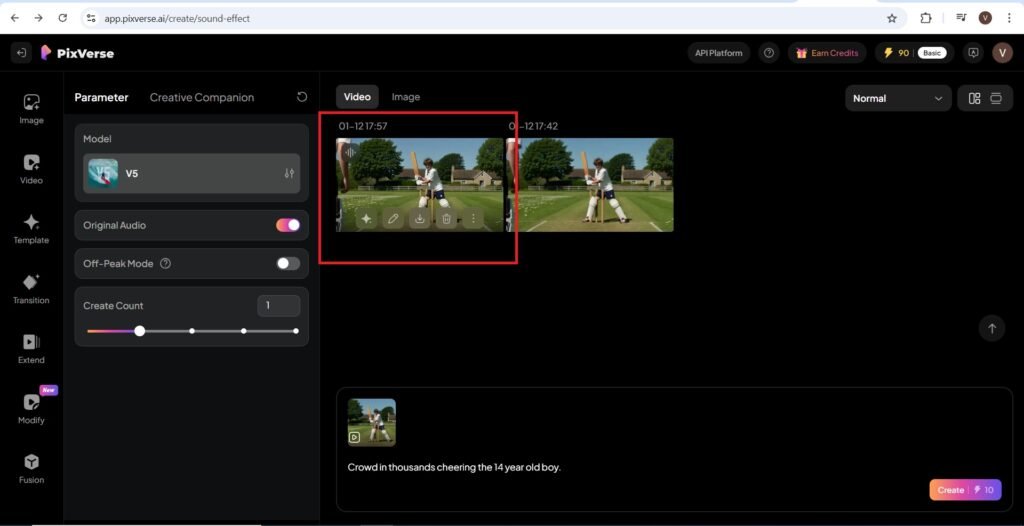
The Sound feature can also be added to the videos if a textual prompt is entered for sound embedding to the video.
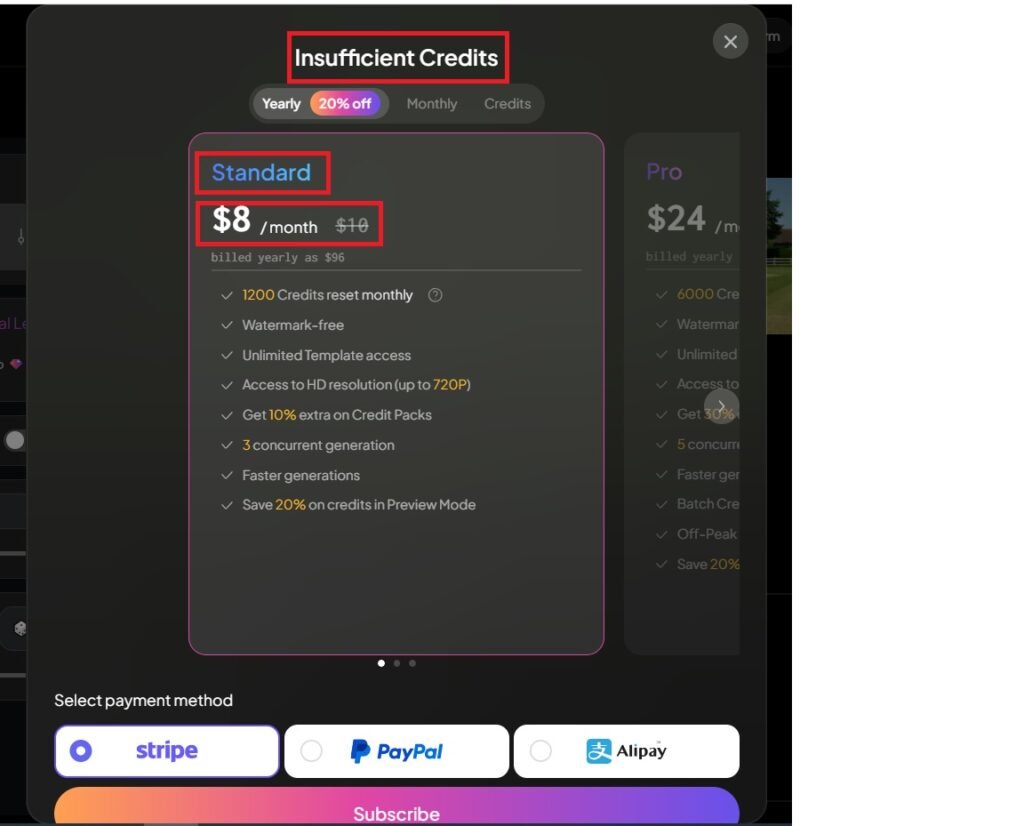
The paid version of the video creation AI tool is available at affordable prices with a number of credits available.
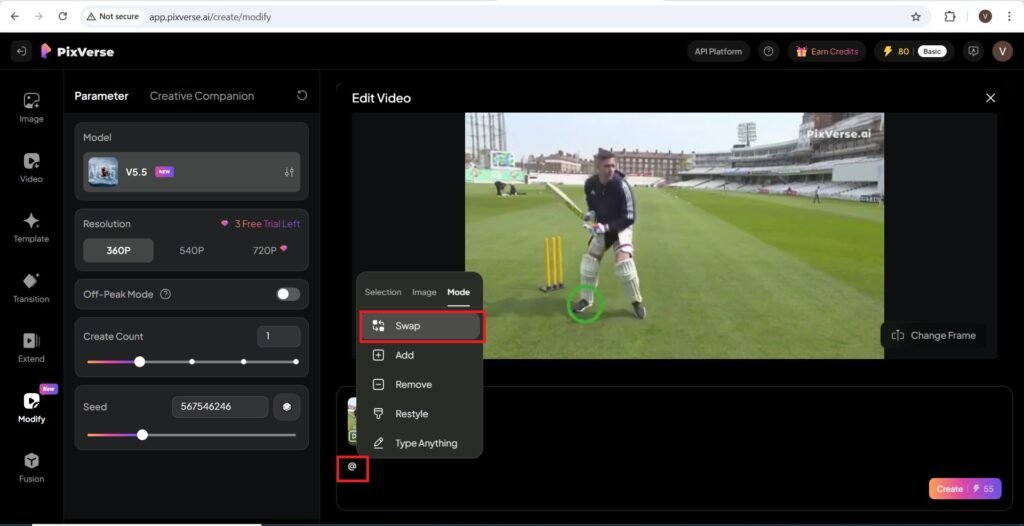
The AI tool PixVerse AI is indeed a blessing for beginners who don’t have the skills of video editing. High quality prompts can be easily inputted on the platform with many features. Swapping, Upscaling, Text-to-video, Image-to-video, seed control and customization features on the PixVerse AI make it a complete video rendering platform.
Swapping is used to replace characters, objects or backgrounds. It can be used in a Use-Case like, changing actor in a film scene.
Video has become an integral part of any content. Video content is greatly recognized in any sector.
You can use PixVerse AI for creating educational videos as well.
The right prompts will help you create a video with great educational value.
You can create cinematic clips from descriptions or Turn a selfie into a moving video. With PixVerse AI’s seed control feature you can Lock animation style for consistency. You can even produce 5 TikTok videos or longer edits. The duration of the videos, on the AI tool, can be easily adjusted.
AI videos are going to dominate the content creation in many countries. Now-a-days most video editors prefer great video content over written one. short videos are beneficial in a number of aspects for all kind of audiences.
Conclusion
AI has all capabilities of rendering small start-ups and managing them over a small group of employees.
Any task of video creation can be easily done and as expected AI start-up ideas with written scripts, prompts are going to have a great and long lasting future.
The work of 10 employees can be done by 3-4 employees, which boosts productivity and also the budget can be reduced.
Other employees should not get disheartened with the failures, as whatever they have learnt from their experiences can be easily implemented in their start-up businesses. They should try working on them individually or a team using AI tools like PixVerse AI.
AI is growing greatly by leaps and bounds. It has become a daily need of professionals in any field. Learning the use of AI tools, Prompt engineering and Implementation capabilities of professionals on large scales has become a need to grow and serve their audiences.
Latest information about PixVerse AI
PixVerse AI has released its v5.5 version. It is now live on GMI cloud and GMI studio.
Integration with GMI cloud improves workflow efficiency for enterprises. The collaboration is a unique one.
GMI Cloud is a cloud platform focused on AI Infrastructure.